January 2, 2023
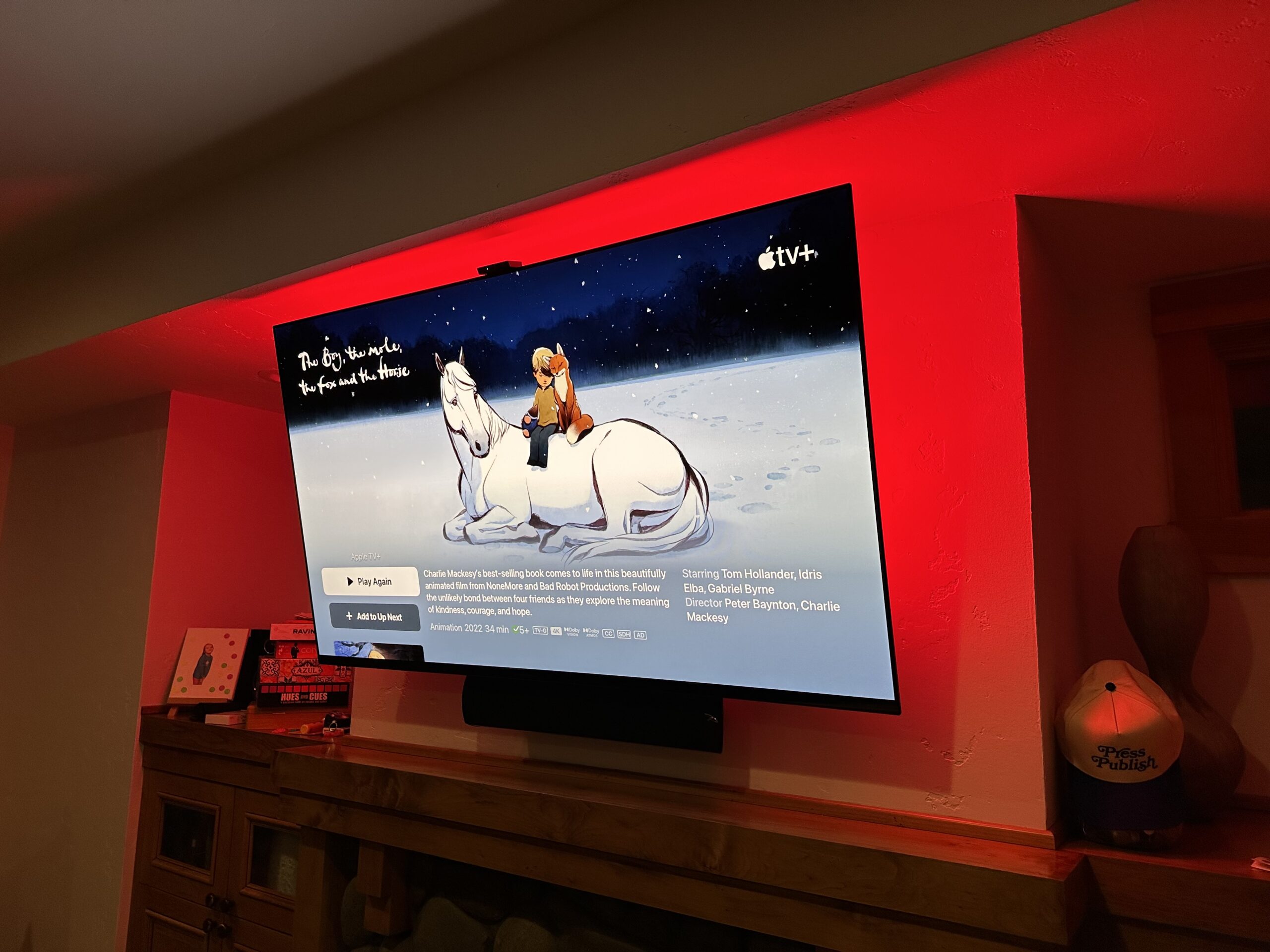
I wrote about The Perfect TV for 2022 recently, but it wasn’t a shout-out to any particular TV. It was just a list of things I think would be ideal in a TV these days. Some of the things I listed are just a pipe dream, like a TV that has literally no user-facing software at all and just displays whatever HDMI source it is getting (not going to happen based on how TVs are subsidized).
I was thinking about TVs because I was in the market. This week I did actually pull the trigger on a new TV. After a decent amount of research on what would be a very good choice in the 65″ size, I’ve landed on this:
That’s an Amazon link, but I actually bought it from Best Buy because, well, I kinda like Best Buy and wanted a protection plan in case I did something stupid like drop it. I prefer a local place to deal with, especially for such a large object.
It cost me three grand. You definitely don’t need to spend three grand on a TV. I just wanted to because it was a little opportunity to geek out and have fun with something tech-adjacent. Our last TV was $350, had it for 5-6 years, and never really hated it.
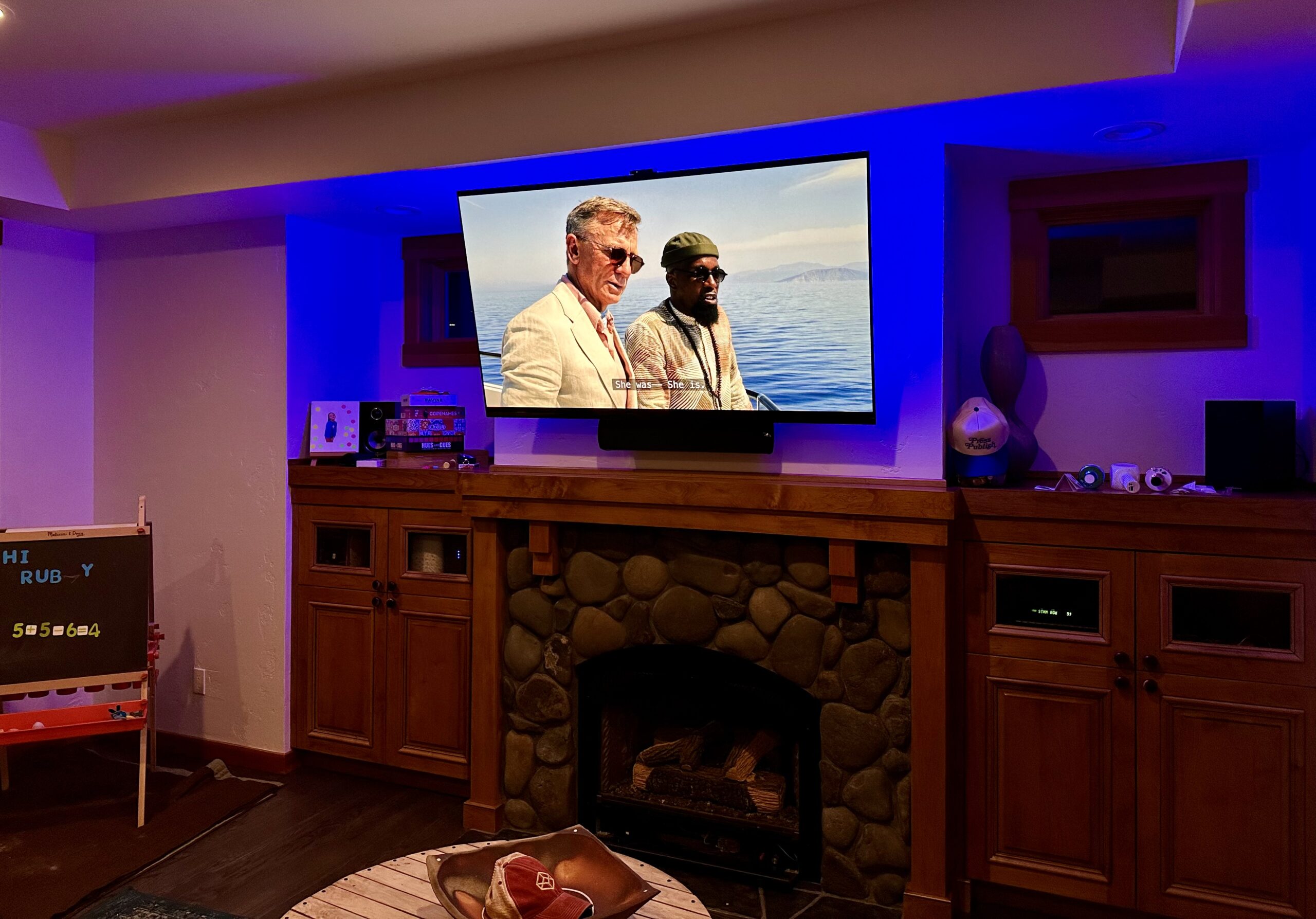
I’m very far from a TV expert, but here’s my personal rundown.
What’s good about the Sony A95K?
- The QD (“Quantum Dot”) OLED display looks amazing. I like thinking about the fact that my iPhone’s excellent screen is OLED and now my TV has that same kind of great bright screen, but seems richer and deeper, especally in the blacks, which is about as technical as I can speak display technology. Best I can tell, it’s the nicest display you can get right now — going head-to-head with the likes of LG C2 and Samsung S95B — but with the Sony being a little ahead despite betting later to the OLED game. It’s not 8K, but I figure by the time that matters I’m fine with being back in the market. It has all sorts of internal processing software (i.e. “Intelligent TV processing technology with Cognitive Processor XR”) to improve viewing that I’m just going to trust is doing good things.
- The Google software on it is almost eerily happy to stay out of the way, which I find delightful. I didn’t even sign into my Google account at all. I have everything I possibly can turned off. All I want is to use my AppleTV 100% of the time, and the TV seems fine with that. I tend to get annoyed at TV software inserting itself into the TV usage experience, so any TV software that stays out of the way gets a thumbs-up from me.
- The standard remote instantly worked as an AppleTV remote without me having to do anything. Nice touch. I’d actually use it, but it doesn’t have swipe-scrubbing, which I consider a crucial feature. Or maybe I will end up using it because there is a “find remote” feature you can access from buttons on the TV itself, which is a genius feature.
- The eArc support works great. My dream setup of an entire setup, including an amp to power my speaker system that is wholly controllable via just the AppleTV remote, continues to work flawlessly.
- Very slim mostly equal-width bezel around it. Classy.
What’s meh about the Sony A95K?
- It seems to be proud enough of its speakers that it has input offering to make the TV speakers the “center” speakers of an audio system. Nah, I got my own center, thanks. I would have preferred the cost savings of having zero speakers and no mount at all, but I get that’s probably too niche.
- I didn’t realize it came with a top-mounted camera for controlling the TV with gestures. So far, I have it enabled, but it’s a little odd. How much electricity is being spent with an always-on camera processing what it is seeing at all times? I haven’t found it works amazingly yet, but I have only tried the “error on accuracy” setting so far, and I suspect the “error on speed” setting might be more satisfying.
Oh yeah, that color you see behind it is just a Philips Smart LightStrip I stuck on the back of it, not a built-in feature.
Related
🤘
ncG1vNJzZmibmKe2tK%2FOsqCeql6jsrV7kWlpbGdgZnxxfo6tn55lo6S7unnAcmykZZmoeqJ5z6ucraypYrGivs1mpaKblWLBt3s%3D